
NinjaTrader 8 Compatible
All High Edge indicators are built exclusively for NinjaTrader 8
Seamless integration, zero configuration required. Professional-grade indicators that work perfectly with your existing NinjaTrader 8 setup.
100% NinjaTrader 8 Compatible
Built with the NinjaScript API for native integration
Version Requirements
- NinjaTrader 8.0 or higher
- Works with any NinjaTrader 8 license level
- .NET Framework 4.8
Integration Benefits
- Native NinjaScript implementation
- No external dependencies required
- Full access to NinjaTrader 8 features
Installation Guide
Download Your Indicator
After purchase, download the indicator .zip file from your dashboard or the download link provided in your email.
Open NinjaTrader 8 Control Center
Launch NinjaTrader 8 and ensure the Control Center window is open. This is where you'll import the indicator.
Import the Indicator
In the Control Center, navigate to: Tools > Import > NinjaScript Add-On...
Select the Downloaded File
Browse to your Downloads folder (or wherever you saved the .zip file) and select it. Click 'Open' to begin the import process.
Follow the Import Wizard
The import wizard will guide you through the process. Click 'Import' when prompted. NinjaTrader will automatically compile the indicator.
Restart NinjaTrader 8
After successful import, you'll be prompted to restart NinjaTrader 8. Close and reopen the application to complete the installation.
Add to Your Chart
Open any chart, right-click, select 'Indicators', find your High Edge indicator in the list, and click 'Add' to apply it to your chart.
System Requirements
Operating System
- •Windows 10 (64-bit) or Windows 11
- •Windows Server 2016 or later
- •Minimum 4GB RAM (8GB recommended)
Graphics & Performance
- •DirectX 11 compatible graphics card
- •Minimum 1920×1080 display resolution
- •SSD recommended for optimal performance
Software Requirements
- •NinjaTrader 8.0 or higher
- •.NET Framework 4.8 (included with NT8)
- •Active internet connection for data feed
Performance Specifications
- •Update speed: <50ms per bar
- •Memory usage: <100MB per indicator
- •Supports 200+ historical bars
Visual Integration
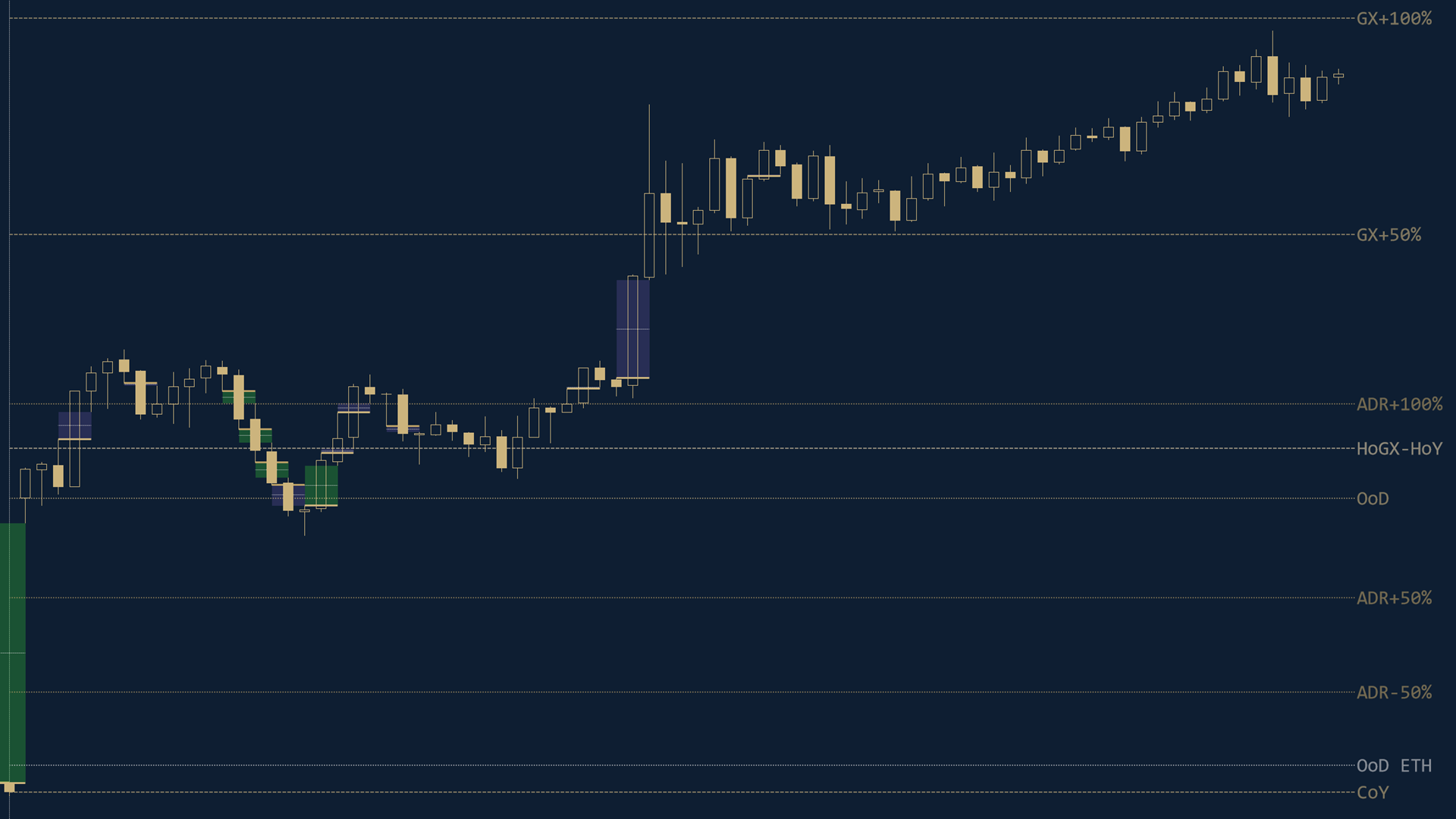
Multi-Timeframe Support
All indicators work consistently across all timeframes, from 1-minute to daily charts.
Customizable Display
Every visual element can be customized to match your trading style and chart preferences.
Professional Appearance
Clean, uncluttered visuals that enhance your chart analysis without overwhelming the price action.
Troubleshooting
Common Issues & Solutions
Indicator Not Appearing After Import
If the indicator doesn't appear in your Indicators list:
- Ensure you've restarted NinjaTrader 8 after import
- Check the Output window (Tools → Output) for compilation errors
- Verify you're using NinjaTrader 8.0 or higher
- Try re-importing the indicator file
Compilation Errors
If you see compilation errors:
- Check that you have .NET Framework 4.8 installed
- Ensure NinjaTrader 8 is fully updated
- Contact support with the error message from the Output window
Performance Issues
If indicators are running slowly:
- Reduce the number of historical bars loaded (Tools → Options → Data)
- Close unnecessary charts and indicators
- Ensure you have sufficient RAM (8GB+ recommended)
- Check your internet connection speed for data feed
Ready to Get Started?
Explore our professional indicator suite and experience seamless NinjaTrader 8 integration.